
Comparison guide
Fathom records brilliantly. SmarterMeetings operationalizes the notes.
Keep Fathom on calls. Run follow-up, client history, and CRM from one workspace.

Fathom is one of the best tools for AI meeting notes. Teams adopt it quickly because capture is automatic and summaries are strong.
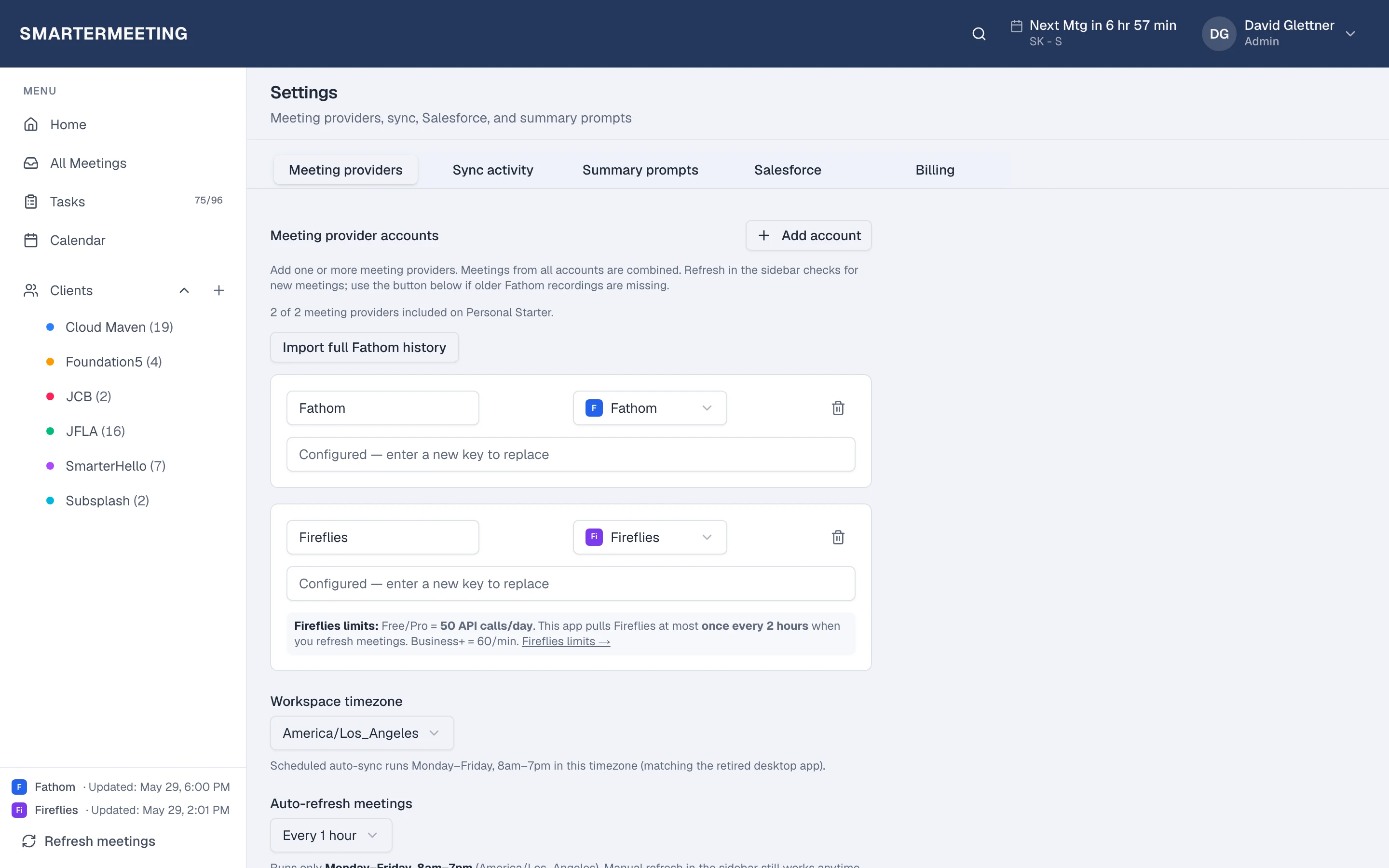
The gap appears at scale: Fathom holds Fathom meetings. When you also use Zoom cloud recordings, Fireflies, or client calls on Teams, history fragments. SmarterMeetings syncs Fathom via API key and unifies follow-up across every provider.
Fathom AI notetaker vs SmarterMeetings
A side-by-side view of what each tool is built for—not a replacement, but complementary roles in your stack.
| Capability | Fathom AI notetaker | SmarterMeetings |
|---|---|---|
| Fathom-only library | Yes | Fathom + 9 other providers in one inbox |
| Client / project tags | Folders / limited | Built for client-centric teams |
| Tasks with owners | Action items in Fathom | Cross-meeting task tracking |
| Salesforce call logging | Integrations vary | Native Salesforce workflow |
When Fathom AI notetaker is enough
- Single rep, single tool, no CRM discipline required
- All calls run through Fathom only
When teams add SmarterMeetings
- Multiple recorders across the team
- Client tagging and handoffs between consultants
- Salesforce must reflect Fathom call outcomes
- You need a reviewed queue before the next client touchpoint

SmarterMeetings connects to Fathom via API key. See setup details on the Fathom integration page.
How teams use both together
- 1
1. Connect Fathom API key
Meetings sync on a schedule.
- 2
2. Add Zoom or Teams
Same inbox for every client call.
- 3
3. Push to Salesforce
Log summaries without retyping from Fathom.
Frequently asked questions
- Should we cancel Fathom if we use SmarterMeetings?
- Usually no. SmarterMeetings complements Fathom by unifying providers and adding CRM-ready follow-up.
- How is this different from Fathom's Salesforce integration?
- SmarterMeetings is built for multi-provider client workflows—Fathom plus Zoom, Teams, and more—with consistent tagging, tasks, and review status.