Fathom to Salesforce: CRM meeting logging reps will actually use
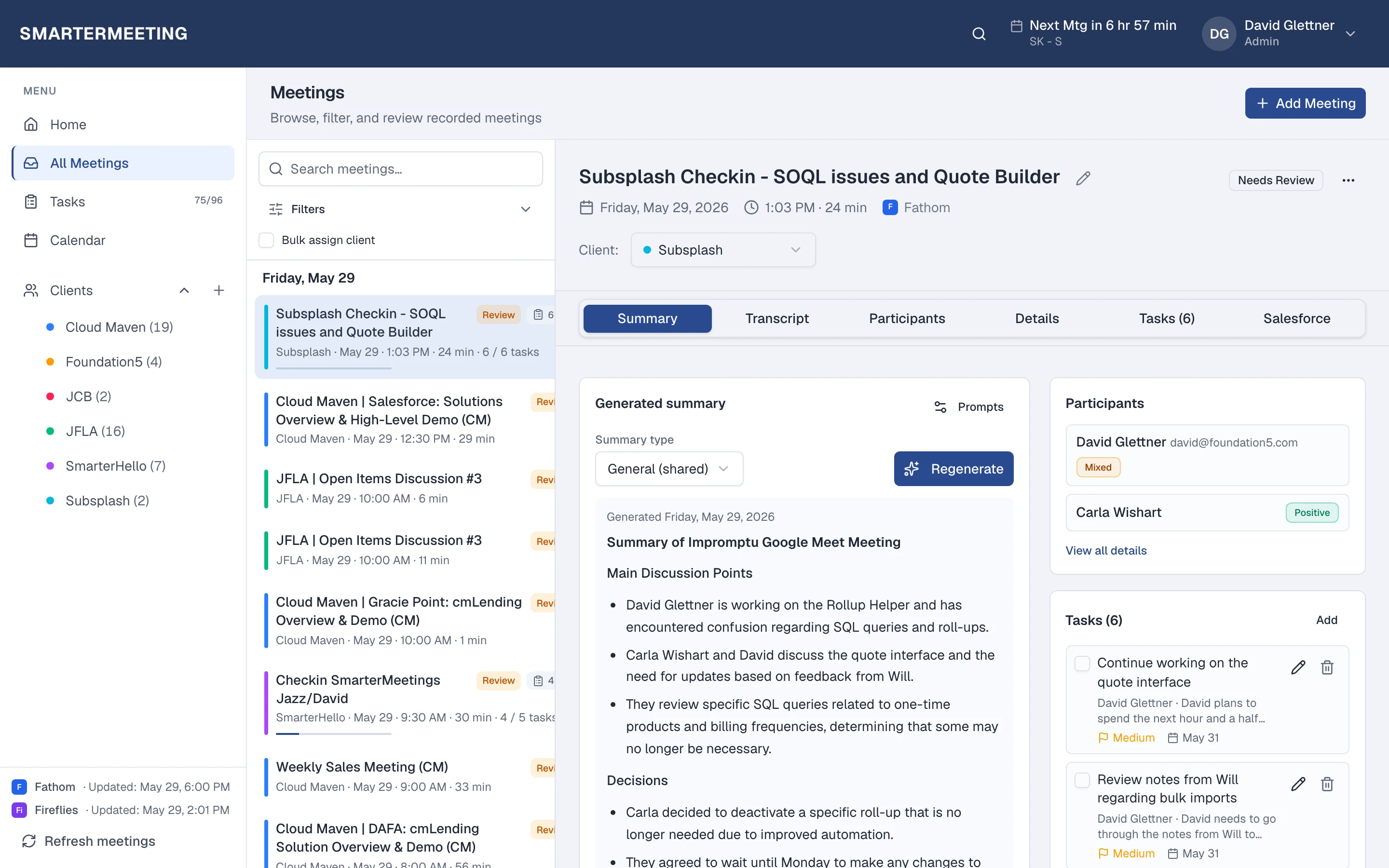
Sales teams do not fail CRM hygiene because they lack discipline—they fail because logging a call after every Zoom takes twenty minutes of copy-paste. SmarterMeetings syncs meetings from your recorder, then pushes summaries and suggested field updates to Salesforce when reps approve them. Personal Pro and Team plans include the integration.
Start free trial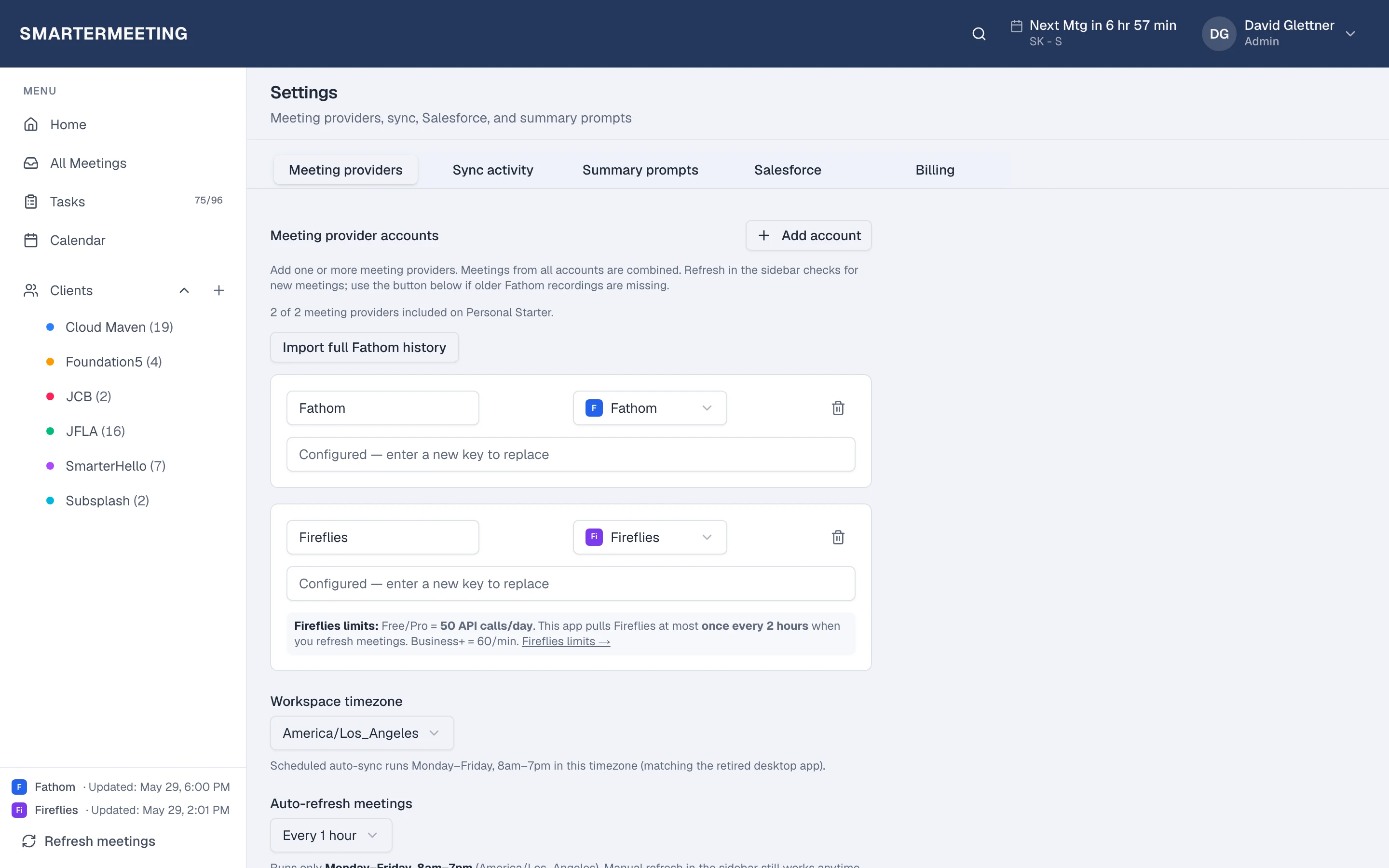
Sync call
From recorder
Link record
Account / Opp
Push summary
Structured log
Approve fields
With evidence
What to log vs what to skip
Log structured context: short summary, decisions, next steps with owners, and risks that affect forecast. Avoid dumping entire transcripts into text fields or updating budget numbers that were not confirmed on the call.
Our blog on which Salesforce fields to update from meeting notes walks through safe candidates (next step, stakeholders, close-plan milestones).
Rep-approved push, not blind automation
From the meeting Salesforce tab, link Account, Contact, Opportunity, or Lead—AI can suggest mapping from attendee emails and transcript context. Review proposed field updates with evidence before anything writes to CRM.
Selected tasks can become Salesforce Tasks with meeting context attached, so managers see the same next steps your delivery team tracks internally.
Works with Fathom, Zoom, and the rest
CRM logging does not care which recorder captured the call. Sync Fathom and Zoom into one inbox, tag the client, and push from the same panel whether the meeting came from a notetaker or platform recording.
Sandbox orgs are supported for admins validating mappings before production rollout.
Reps inherit the org connection from Settings—no per-rep OAuth maintenance when you scale from pilot pod to full team.
Frequently asked questions
- What is the Fathom to Salesforce workflow?
- Connect Fathom in Settings, sync meetings into SmarterMeetings, review the transcript, link Salesforce records, and push an approved summary and field updates—see our Fathom integration for setup and this guide for the full CRM logging steps.
- Which plans include Salesforce?
- Personal Pro ($45/month) and Team ($50/seat/month, 4-seat minimum). Personal Starter focuses on capture and tasks without CRM.
- Does AI write to Salesforce automatically?
- No. Reps select which field updates and tasks to push. Suggestions are grounded in transcript context; humans approve every write.