
Comparison guide
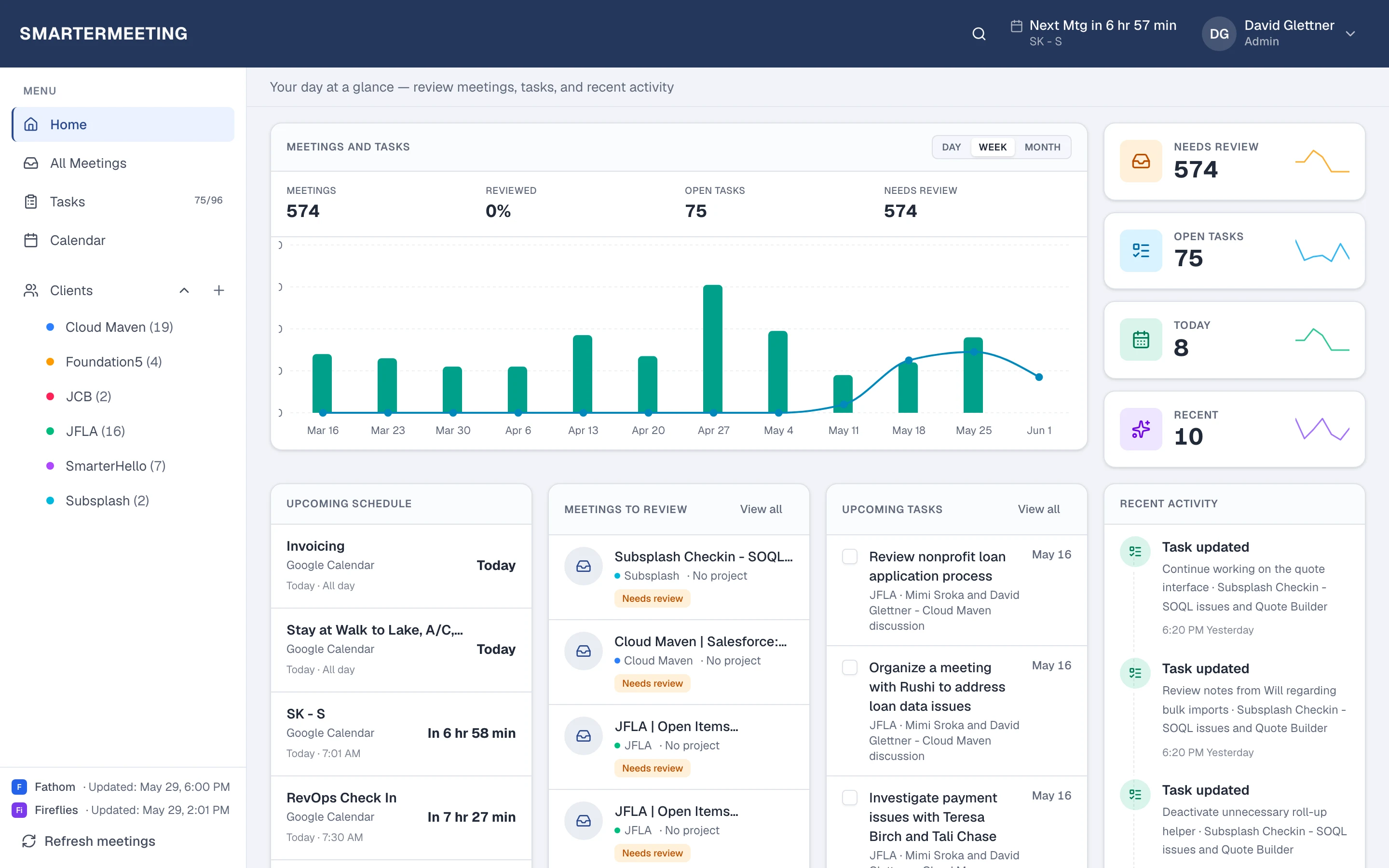
Teams recap is a start. SmarterMeetings is the system of record.
Keep Teams for collaboration. Centralize meeting intelligence for client work, handoffs, and CRM.

Microsoft Teams offers recaps and Copilot experiences that help during and after internal meetings. For client-facing teams, the gap is usually operational: notes stay in Teams channels, context does not follow the account in Salesforce, and external calls on Zoom or Google Meet are invisible to the same workflow.
SmarterMeetings connects to Teams via OAuth and pulls meetings into the same workspace as your other providers—so Microsoft-centric organizations still get one follow-up process.
Microsoft Teams meeting recap & Copilot vs SmarterMeetings
A side-by-side view of what each tool is built for—not a replacement, but complementary roles in your stack.
| Capability | Microsoft Teams meeting recap & Copilot | SmarterMeetings |
|---|---|---|
| Meeting recaps in Teams | Yes — Microsoft 365 features | Syncs Teams meetings into unified inbox |
| Copilot in Teams | Yes — M365 Copilot (licensing) | Cross-provider AI prompts in workspace |
| Cross-provider client history | Teams-only | Zoom, Meet, Fathom, Fireflies, etc. in one list |
| Client & project tags | Channels / manual docs | First-class client organization |
| Tasks from meetings | Planner / manual | Meeting-linked tasks with owners |
| Salesforce integration | Separate setup | Built-in on Personal Pro & Team plans |
When Microsoft Teams meeting recap & Copilot is enough
- All important meetings stay inside Teams
- No need to combine Teams with Zoom or Fathom
- CRM logging is not part of your process
When teams add SmarterMeetings
- Enterprise uses Teams internally but Zoom/Google Meet with clients
- You need client-level meeting history for handoffs
- RevOps wants Salesforce aligned with call outcomes
- You want a reviewed/unreviewed queue for account teams
SmarterMeetings connects to Microsoft Teams via OAuth. See setup details on the Microsoft Teams integration page.
How teams use both together
- 1
1. Connect Microsoft Teams
OAuth to your tenant. SmarterMeetings imports eligible Teams meetings.
- 2
2. Unify with other providers
Add Zoom, Google Meet, or Fathom so client history is not split by tool.
- 3
3. Standardize follow-up
Same recap format, tasks, and CRM logging for every meeting—regardless of recorder.
Frequently asked questions
- Do we stop using Teams recaps?
- You can keep using Teams features. SmarterMeetings adds a client-centric layer on top for search, tasks, and CRM—especially when not every call is on Teams.
- Is SmarterMeetings for IT or for client teams?
- Both. IT connects providers once; consultants, CS, and sales use one inbox for follow-up and Salesforce hygiene.
- Does it work with Microsoft SSO?
- SmarterMeetings Team plans support Google and Microsoft SSO for workspace access.