
Comparison guide
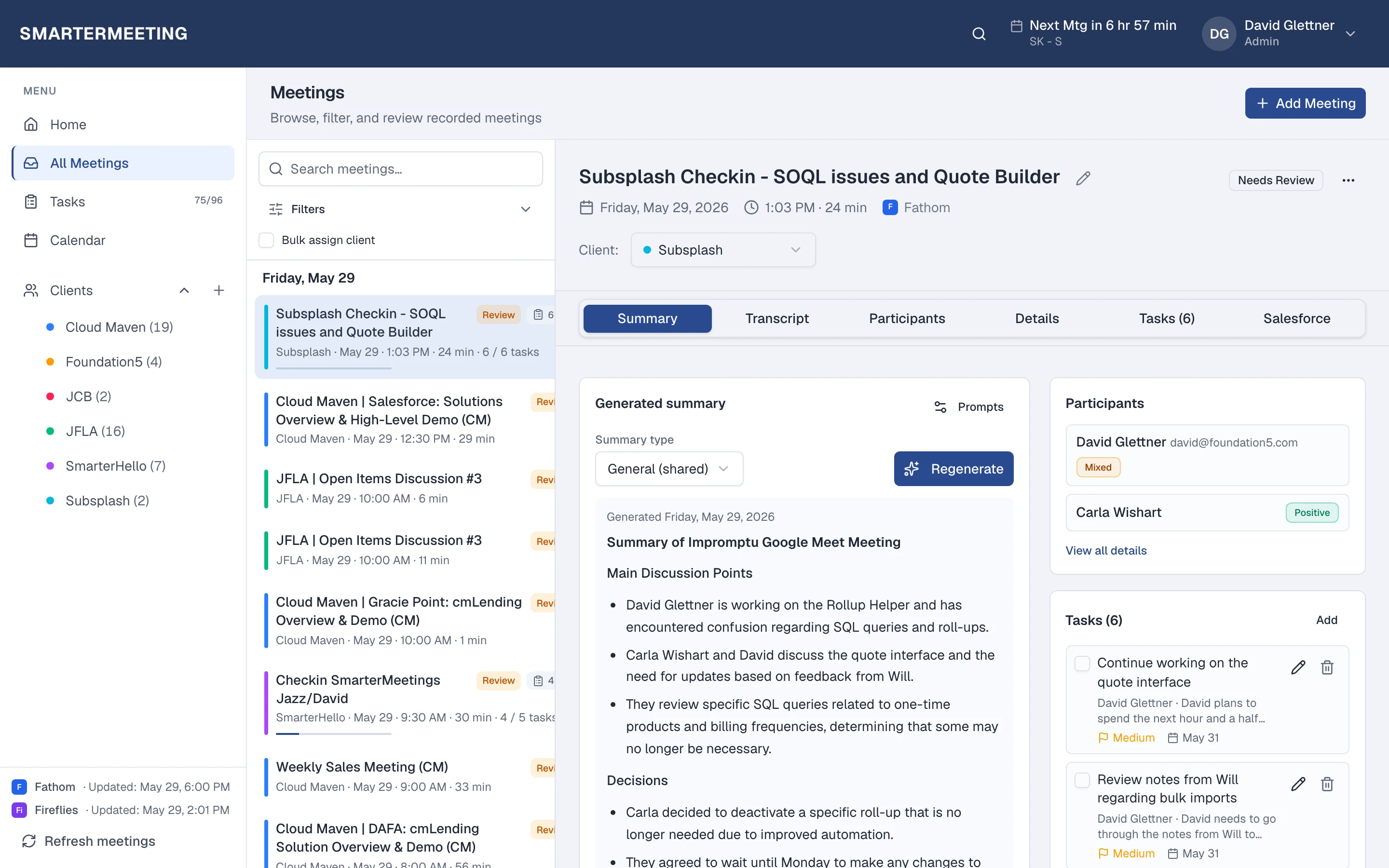
Otter captures meetings. SmarterMeetings organizes for the team.
Keep Otter on calls. Add client tags, shared review, and CRM sync across every recorder your team uses.

Otter.ai is strong at capturing meetings, speaker identification, and personal libraries with Otter AI Chat. Individual contributors get value quickly.
Client-facing teams hit limits when Otter notes stay personal, client calls also run on Zoom or Fathom, and Salesforce updates happen manually. SmarterMeetings syncs Otter via Bearer token or OAuth into the same workspace as your other providers.
Otter.ai & Otter AI Chat vs SmarterMeetings
A side-by-side view of what each tool is built for—not a replacement, but complementary roles in your stack.
| Capability | Otter.ai & Otter AI Chat | SmarterMeetings |
|---|---|---|
| Personal meeting library | Yes — Otter workspace | Shared team workspace with permissions |
| Cross-provider client history | Otter-only | All connected providers in one list |
| Client / project tags | Folders / sharing | Built-in client organization |
| Tasks from meetings | Limited export | Meeting-linked tasks with owners |
| Salesforce | Manual / integrations vary | Native workflow on supported plans |
When Otter.ai & Otter AI Chat is enough
- Solo contributors who own their own Otter workspace end-to-end
- Internal meetings with no CRM or client tagging requirements
- Teams standardized 100% on Otter with no other recorders
When teams add SmarterMeetings
- Shared client history across consultants or reps
- Otter plus Zoom, Teams, or Fathom in one inbox
- Review queues before the next account touchpoint
- Salesforce logging from synced Otter meetings on eligible plans

SmarterMeetings connects to Otter.ai via Bearer / OAuth. See setup details on the Otter.ai integration page.
How teams use both together
- 1
1. Connect Otter
Bearer token or OAuth from Otter workspace settings.
- 2
2. Add other providers
Include Zoom or Fathom so client history is complete.
- 3
3. Review and log
Tag clients, assign tasks, push summaries to Salesforce.
Frequently asked questions
- Does SmarterMeetings replace Otter?
- No. Otter continues to capture meetings. SmarterMeetings is the team layer for organization, tasks, and CRM.
- Can we use Otter AI Chat and SmarterMeetings?
- Yes. Keep Otter for capture and AI chat; use SmarterMeetings for client-centric follow-up and Salesforce sync.