

Integration
Sync Loom recordings into SmarterMeetings
Loom captures async updates and walkthroughs that aren't traditional calendar meetings—but they still contain client context. SmarterMeetings syncs Loom via API key so async video sits next to recordings imported from Zoom, Fathom, and your other tools.
- API key connection
- Sync Loom alongside Zoom, Fathom, and other recorders
- Tag async recordings to clients
- AI summaries for long Loom updates
- One workspace for sync and async video

Agencies increasingly mix calendar client calls with Loom deliverable reviews. SmarterMeetings treats both as first-class meeting content—searchable, taggable, and tied to the same client record.
Async Loom walkthroughs often contain scope decisions that never make it to a calendar meeting. Pull them into the same inbox so account leads see design feedback next to discovery calls—not buried in a Slack thread.
AI summaries help when a Loom runs twenty minutes; your team skims the summary, tags the client, and extracts tasks without watching every frame during standup.
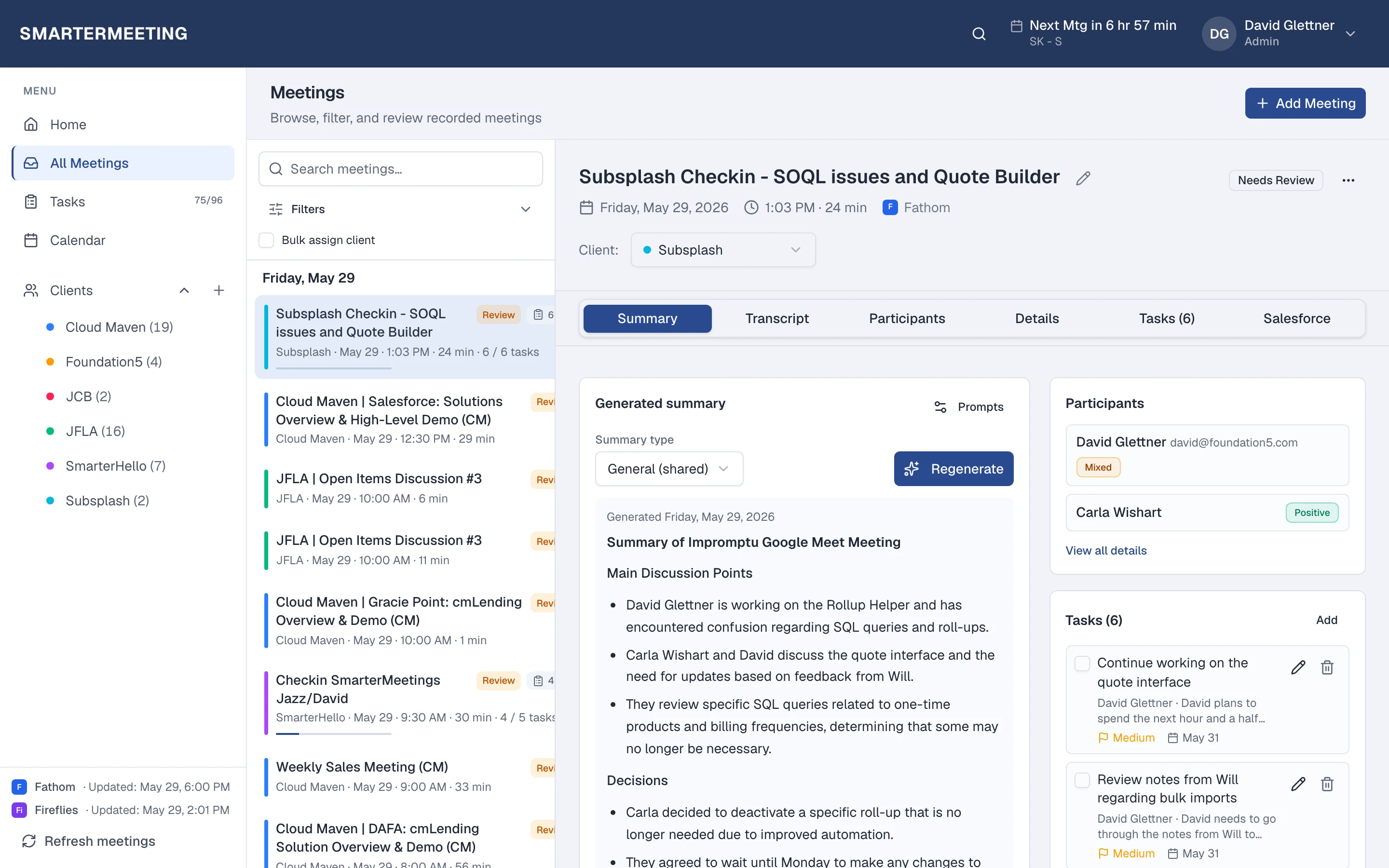
Loom calls in your unified inbox · actual workspace
What you see after sync
Every Loom meeting appears in the same list as your other providers—with transcript, summary, tasks, and client tags on the detail panel. Filter by provider when you want only Loom, or by client when you need the full account story across every recorder your team uses.
Review status shows partners which calls still need a pass before the next engagement. Open tasks roll up to the home dashboard so Monday prep isn't a scavenger hunt through forwarded recap links.
Explore all features →Wondering how Loom alone compares to adding SmarterMeetings? Read: Loom vs SmarterMeetings →
Related guides
Frequently asked questions
- Do I keep using Loom?
- Yes. Loom continues to capture and summarize your calls. SmarterMeetings syncs those meetings into one workspace for client tags, tasks, and review—without replacing your recorder.
- How often does Loom sync?
- You choose a schedule (weekday business hours by default) or click Refresh meetings anytime after connecting in Settings.
- Which SmarterMeetings plan do I need?
- All plans include multi-provider sync and tasks. Personal Pro and Team add Salesforce logging when you need CRM push from synced meetings.