
Account executives, SDRs & sales managers
CRM logs reps will actually maintain
Thin activity logs and stale Opportunity fields aren't a discipline problem—they're a workflow problem. Sync calls, approve AI-suggested updates, and log once from the meeting detail.
Start free trial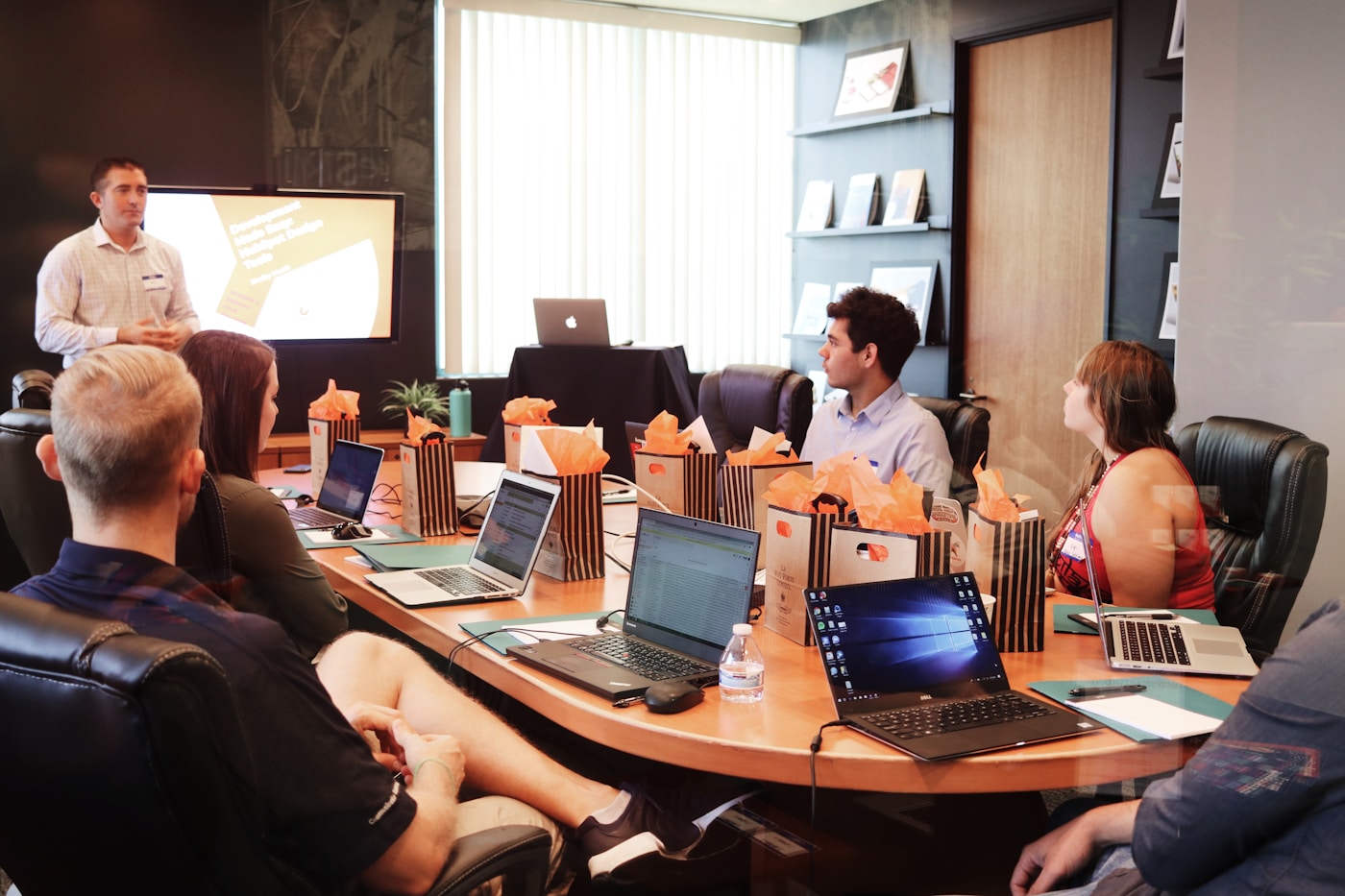
Six Zoom calls, one afternoon, zero copy-paste into Salesforce
An AE finishes a pipeline review call, opens the meeting in SmarterMeetings, and links the Opportunity that was on screen. The summary is already there from Zoom sync. AI suggests next step and stakeholder notes with transcript snippets attached—the rep accepts two, skips one, and pushes in under two minutes.
Managers stop arguing about whether 'met with client' means anything. Activity history includes substance: decisions, risks, and committed next steps. Forecast calls reference the same narrative reps logged—not a stale field someone updated from memory.
RevOps rolls out one workflow whether the rep uses Fathom, Zoom, or Teams. The recorder varies; the CRM push does not.
The problem
- Reps skip Salesforce logging when they're back-to-back on Zoom
- Managers don't trust 'met with client' without substance in the activity
- Next steps live in Fathom while forecast lives in CRM—and they disagree
Call records
Zoom, Fathom, Teams…
Sync & link Opp
AI-suggested mapping
Review updates
Evidence attached
Push to SFDC
Rep-approved only
Sales follow-up: old habit vs new standard
Before
- Reps skip logging when back-to-back on video
- Summaries live in Fathom; Opportunity fields drift in CRM
- Managers can't audit what changed on the call
- Each rep maintains a different personal stack
After SmarterMeetings
- Structured log from the meeting detail in minutes
- Rep-approved field updates with transcript evidence
- Same workflow for every connected recorder
- Sandbox validation before production rollout
How teams use SmarterMeetings
1. Sync calls from every recorder reps use
Fathom, Zoom, Teams, Gong-adjacent stacks—one inbox per rep with the same review and CRM workflow.
2. Link Account, Contact, or Opportunity
AI can suggest mapping from attendee emails and transcript context. Reps confirm before anything links.
3. Push summary and tasks with approval
Select which field updates and tasks write to Salesforce. Evidence stays attached so managers can audit.
4. Prep from the same workspace before the next call
Filter by Opportunity, read prior transcripts, and walk into the next meeting with CRM and call history aligned.
Typical stack
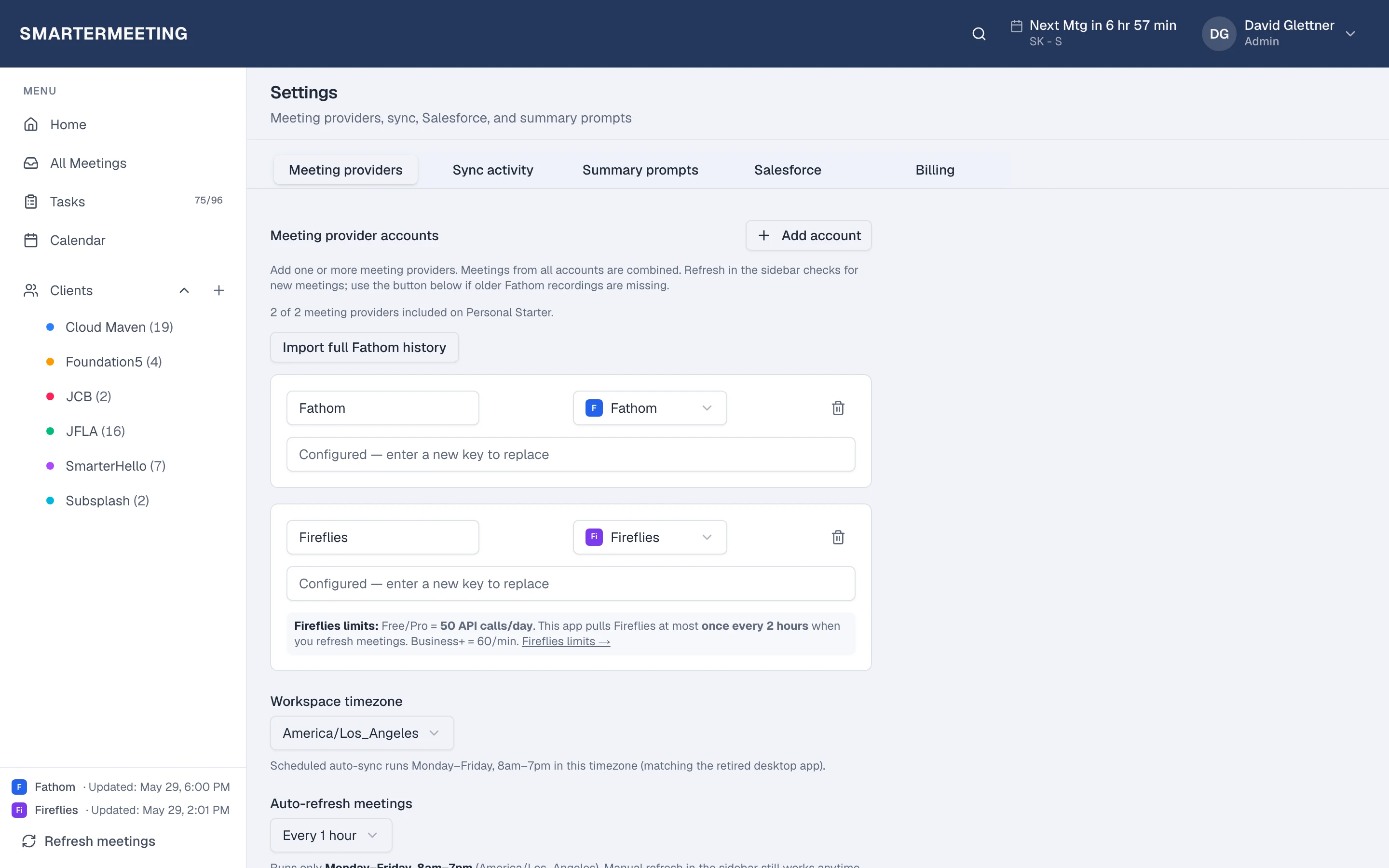
Most teams in this role already pay for capture and CRM—the gap is follow-up between them. SmarterMeetings sits in that layer without replacing tools your clients or reps already use.
- Fathom or Zoom
- SmarterMeetings
- Salesforce
Common objections—and how teams answer them
- “Reps won't log if it takes more than two minutes.”
- Link once, push summary and selected tasks—most reps report under two minutes when the transcript is already synced. The friction was retyping, not clicking.
- “We can't let AI write to Salesforce.”
- It doesn't. AI suggests; reps approve every field update. Nothing writes without human review.
Frequently asked questions
- Which plans include Salesforce?
- Personal Pro and Team. Team adds shared workspaces and seat billing for revenue pods.
- Does AI update Opportunity fields automatically?
- No. Reps review each suggested update with transcript evidence and approve before CRM writes.
- Can we use sandbox orgs first?
- Yes. Admins connect sandbox Salesforce in Settings and validate mappings before production.
- Does this work with Salesforce sandboxes?
- Yes. Admins connect sandbox orgs in Settings for mapping validation before production.